Blog ·
How a computer makes a 3-D object from one sentence
You type "an old looking chair", and some minutes later you have a chair you can turn round on your screen. Here is what happens in between, step by step, no experience needed.
We are building a free tool called model-maker. You give it one sentence, such as "an old looking chair", and it gives you back a 3-D object: a chair you can turn round, look at from below, and put into a game or a 3-D program. This blog is about what we learn while building it, one short post a day. This first post explains how it works, for anyone who has never made a 3-D object.
First: what is a 3-D object?
A photo is flat. You can only ever see the side that faced the camera. A 3-D object is different: it is a shape in space, so a computer can show it from any side.
Inside the computer, the shape is a skin made of many small flat triangles, joined edge to edge, like a paper model folded from thousands of tiny pieces. The chair in this post has about 50,000 of them. On top of that skin goes the paint: a picture wrapped round the shape, called a texture, which gives the wood its brown and the seat its weave. Both are saved together in one file, a .glb file, which most 3-D programs and many games can open.
The four steps
Making that file from a sentence takes four steps. Each step is done by an AI model: a program that learned its skill from very many examples, rather than being told the rules one by one.
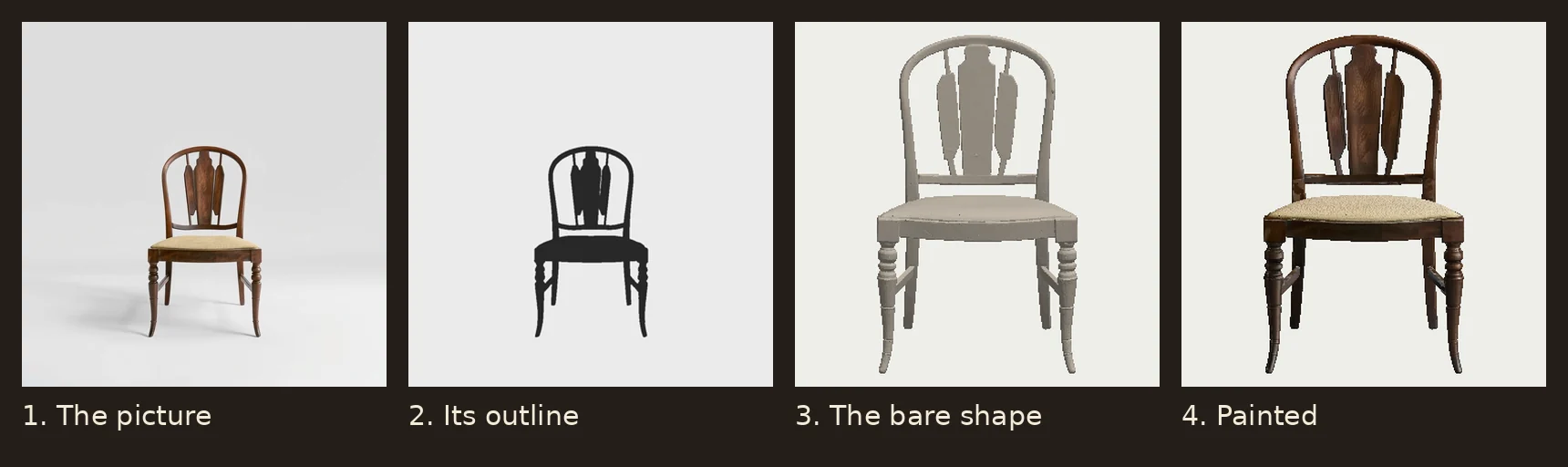
- 1. A picture. A picture model reads the sentence and paints a picture of the thing: here, a wooden chair on a plain grey background. It paints several tries, and our checks keep the best one.
- 2. The outline. A cut-out model finds which parts of the picture are the chair and which are background, and cuts the chair out.
- 3. The shape. A shape model looks at that one picture and guesses the whole shape, including the sides it has never seen: the back of the chair, the far legs, the underside of the seat. The result is the grey shape in the third panel. Our tools then make it lighter (fewer triangles, so it loads fast).
- 4. The paint. A view model paints the shape from six sides, so that every side gets colour that fits, not only the front.
Then our own tools, which are ordinary programs and not AI, finish the job: they wrap the paint round the shape and write the file.
Why we check everything
AI models make mistakes, and they make them confidently. In our tests, a picture model asked for a garden hoe painted a digging fork. A shape model made a tin bucket with no bottom, because the picture never showed the bottom. A view model painted one side of a white teapot black.
So every object goes through a list of checks before we call it done: is it in one piece, does it have holes, is the paint complete, does it stand on its base, does the picture really show the thing that was asked for? Each object comes with a report that shows every check and what it measured.
The checks are not perfect either. Finding out where they fail, and why, is most of our work, and it is what this blog will be about. The next post is about the worst kind of mistake we found: an object that passes every check and is still the wrong thing.
Try it, or just look
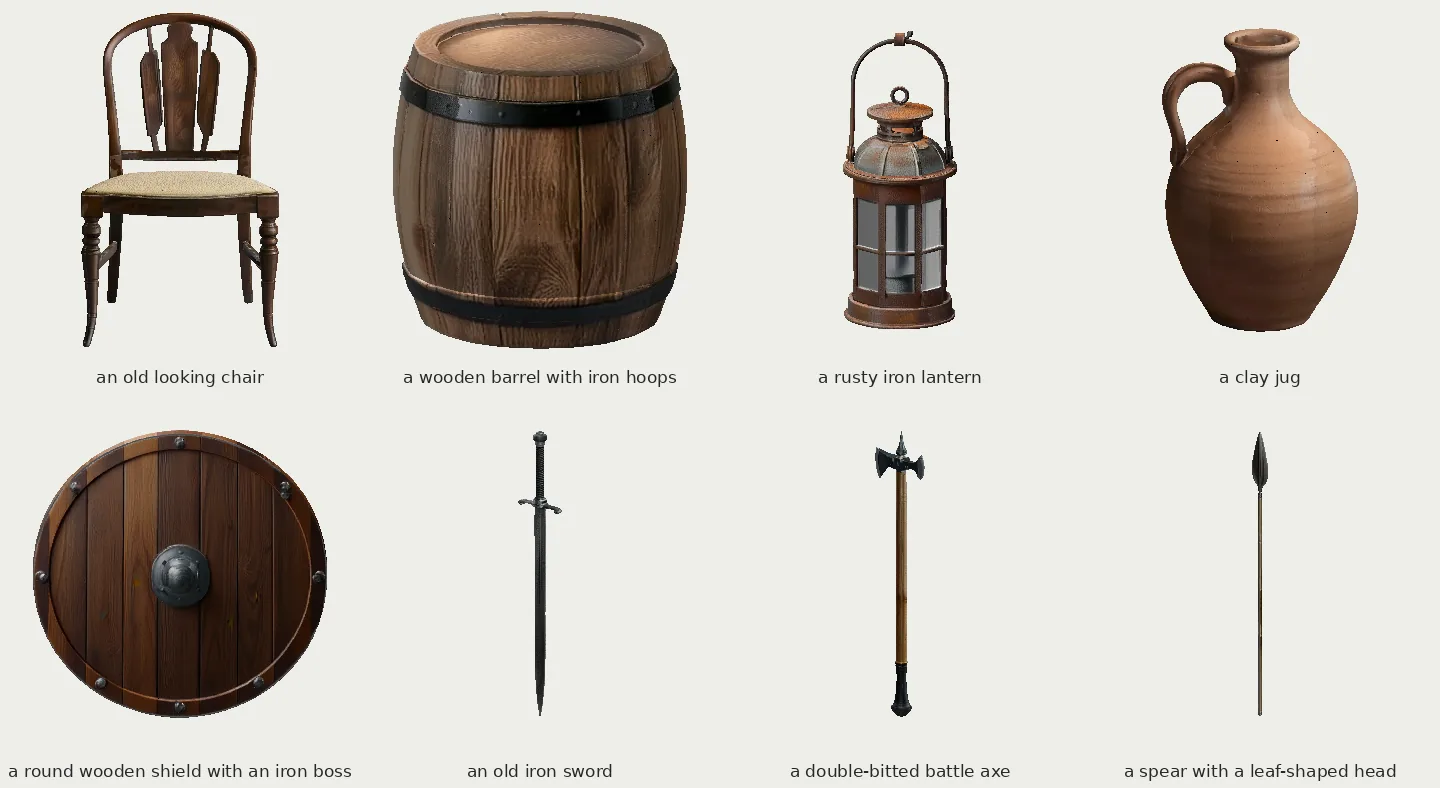
You can turn these objects round in your browser, no install needed, in Model Maker Studio. If you have a Linux computer with an NVIDIA graphics card of 12 GB or more, you can run model-maker yourself: the code is free and open on GitHub. Making one object takes up to about 10 minutes on a 16 GB card.
Words used in this post
- AI model: a program that learned a skill (painting, cutting out, guessing shapes) from many examples.
- 3-D object: a shape a computer can show from any side.
- Triangles: the small flat pieces the shape's skin is made of.
- Texture: the picture wrapped round the shape to colour it.
- .glb file: a common file type that holds a 3-D shape and its paint together.